Round robin across the team
Demos are shared among salespeople in turn, and each one uses their own Google or Outlook calendar. You can also always assign a meeting to a specific salesperson.
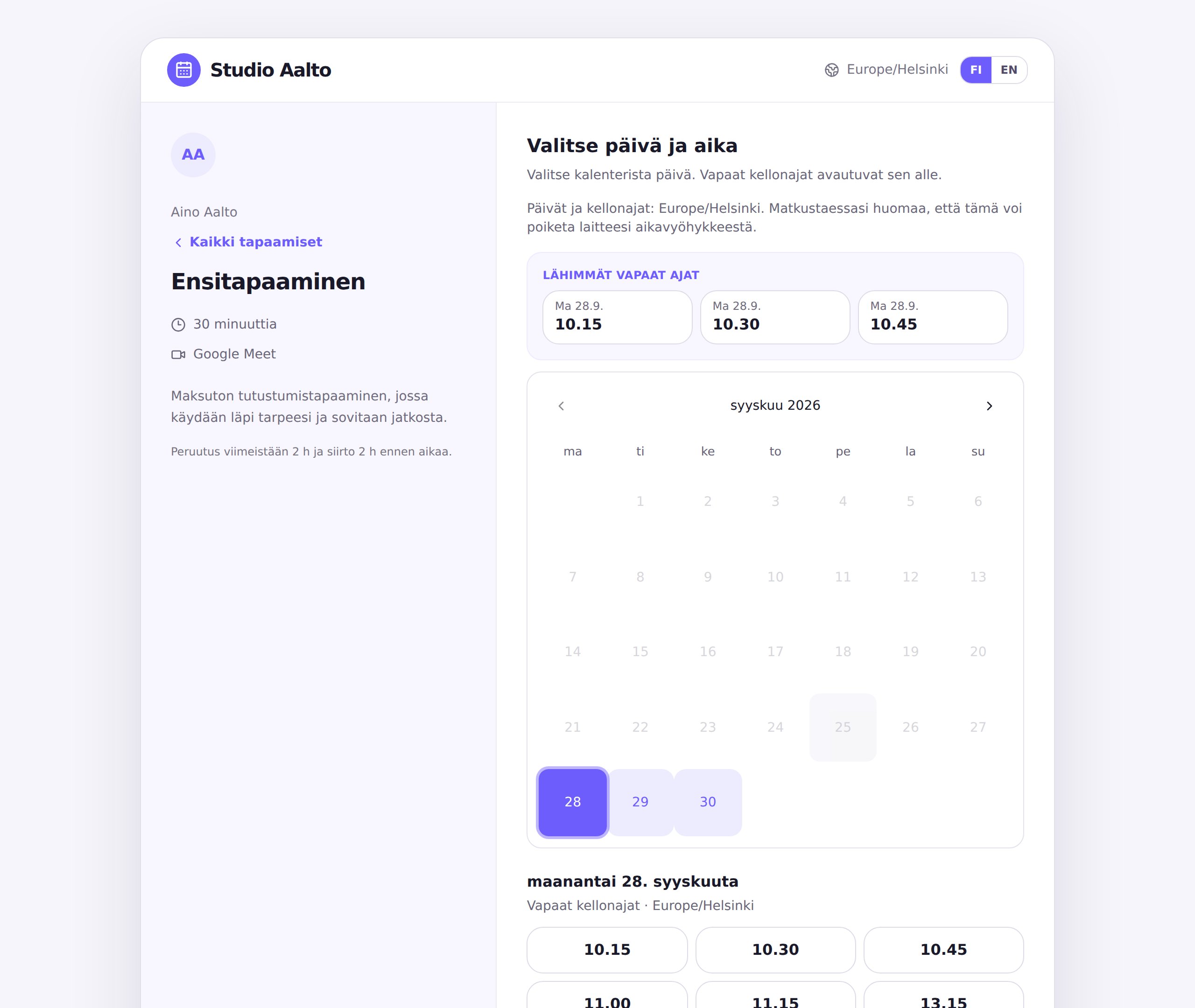
When a lead is interested, the meeting should happen right away, not after a long e-mail thread. Share your booking link or embed a booking calendar on your website, and the prospect books a demo with you or the next available salesperson.
Demos are shared among salespeople in turn, and each one uses their own Google or Outlook calendar. You can also always assign a meeting to a specific salesperson.
Embed the booking page on your own site, or add your booking link to your e-mail signature and LinkedIn profile.
Ask about the company, their needs and timeline as part of the booking, so you can prepare for the meeting in advance.
Webhooks, the API, Zapier and Make send new, rescheduled and cancelled bookings to your CRM or other tools.
Create your own services in a few minutes. For example:
Yes. A salesperson working alone can share their own booking link, and a team or round robin is only needed once there are several salespeople.
Round robin on the Pro plan shares bookings among team members in turn, based on whose calendars have free time. You can also create a group meeting that needs several salespeople.
Yes. With webhooks, the API, Zapier and Make, new, rescheduled and cancelled bookings can be sent to your CRM automatically.