Meeting link created automatically
A Google Meet or Microsoft Teams link is created for every remote meeting.
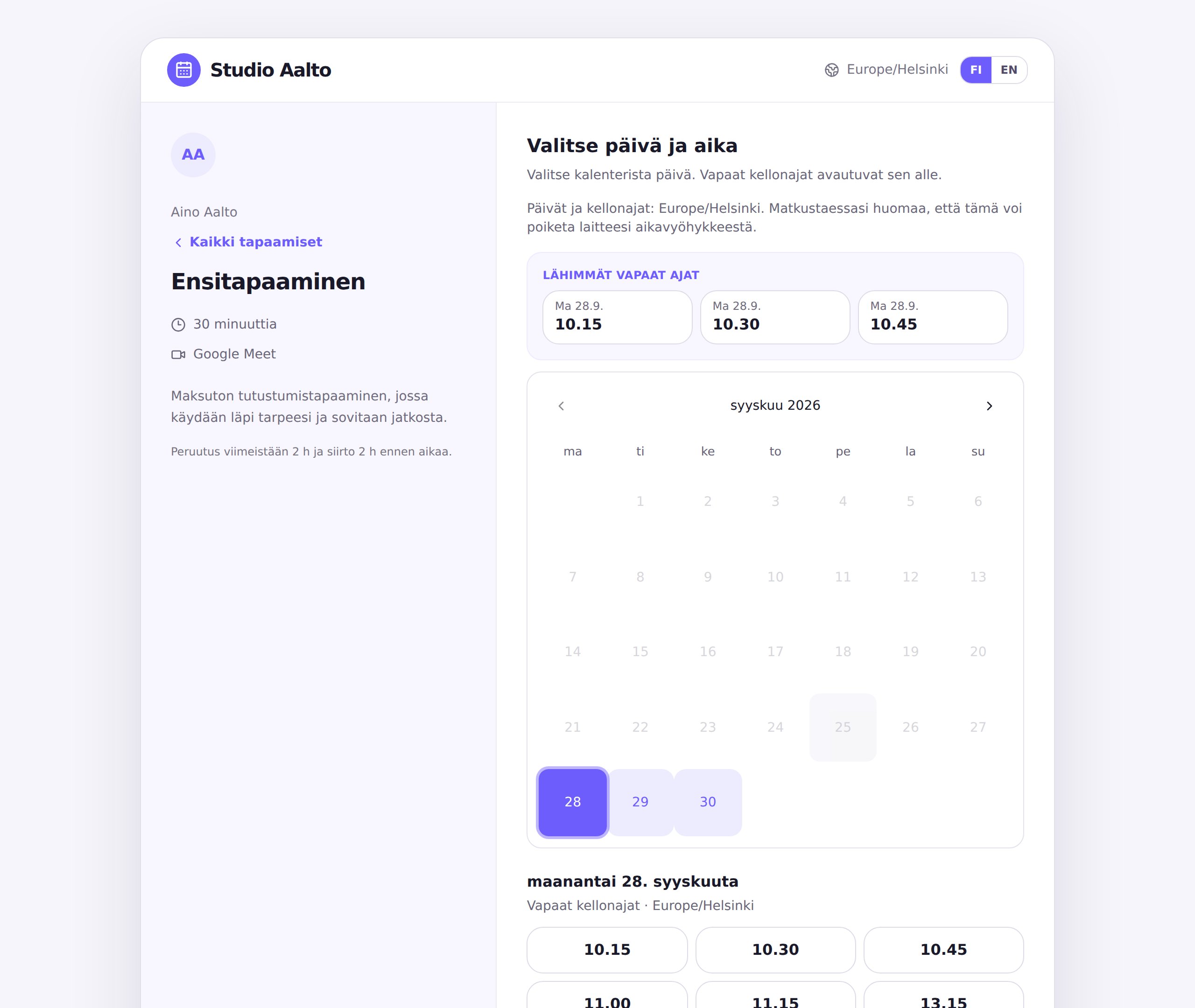
Stop sending e-mails back and forth to find a time that works. Share your booking link, and the client picks a time from your calendar and gets a meeting link automatically.
A Google Meet or Microsoft Teams link is created for every remote meeting.
Sign in and connect your Google or Outlook calendar. Your own events are hidden from the booking page.
Booking questions tell you what the client needs as soon as they book.
See which services attract interest and when clients book.
Create your own services in a few minutes. For example:
Yes. You can sign in with a Microsoft account and connect your Outlook calendar, and remote meetings get a Teams link.
Yes. Copy your booking link from Calendo and add it to your signature or your LinkedIn profile.
Yes. Set your weekly availability, exception days and how far ahead times can be booked.